How to set up your desk
An ergonomic desk setup simply means a desk that fits the person using it. Set the chair first, then the desk, then the screen. This guide uses OSHA's computer workstation guidance for the key distances. It covers fit and comfort settings only; if you have pain, talk to a health professional.
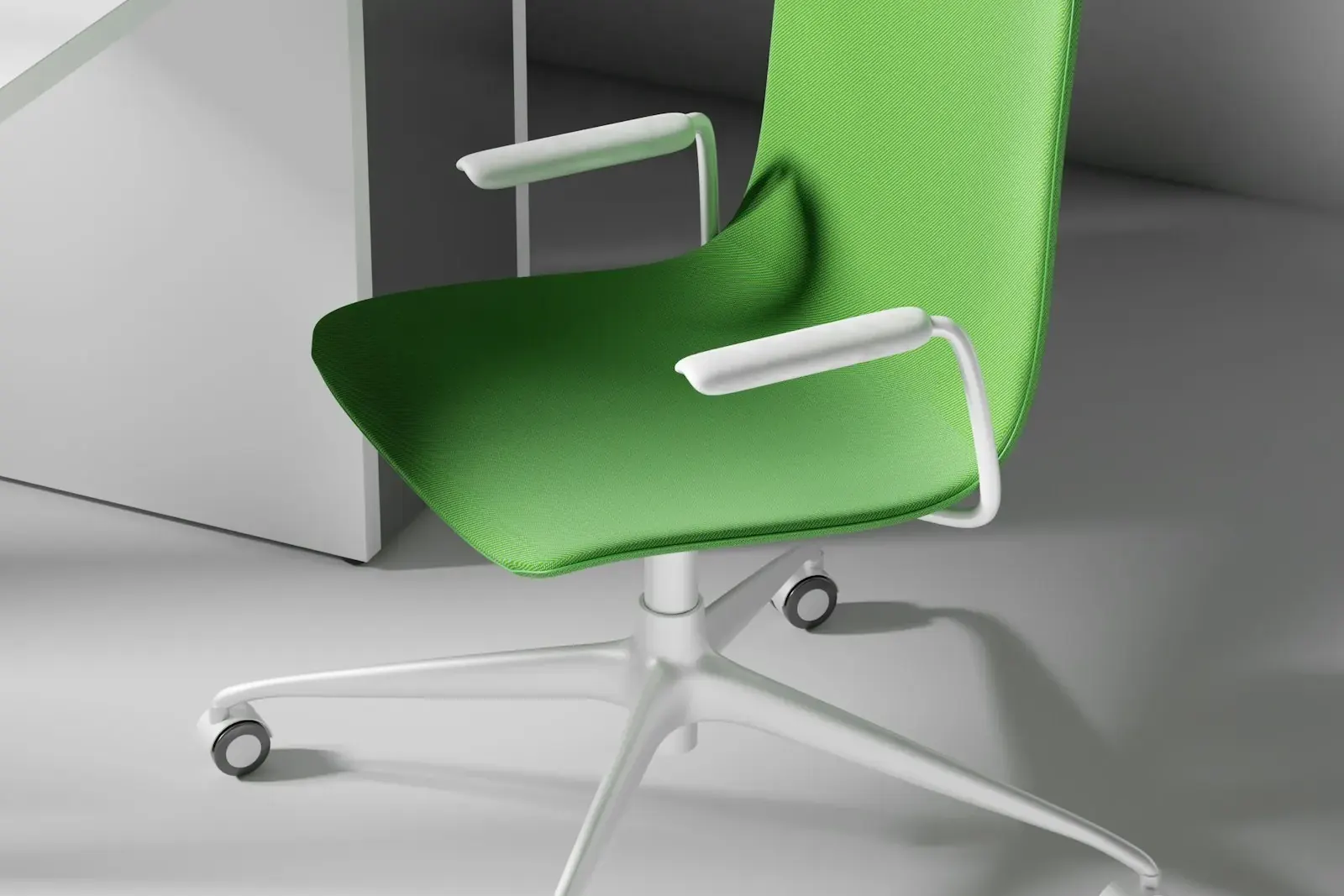
Ergonomic desk setup diagram
Step 1: set the chair
OSHA describes a neutral upright sitting posture like this:
- Torso and neck roughly vertical and in line.
- Thighs roughly horizontal, lower legs roughly vertical.
- Feet flat on the floor or on a footrest.
Raise or lower the seat until your thighs are about level and your feet rest flat. Use the back rest so your lower back is supported.
Step 2: set the desk height
- Standard height. Most fixed office desks are about 29 to 30 in (74 to 76 cm) high.
- Rule for fit. With your shoulders relaxed and elbows by your sides, the keyboard should sit at about elbow height.
- If the desk is too high and cannot be lowered, raise the chair and add a footrest.
- If the desk is too low, raise it on desk risers or choose a height-adjustable desk.
- For wheelchair users, ADA work surfaces are 28 to 34 in high (ADA 2010 Standards, section 902.3).
Step 3: set the monitor
From OSHA's computer workstation guidance:
- Put the monitor directly in front of you, at least 20 in away.
- The preferred viewing distance is between 20 and 40 in (50 and 100 cm) from your eyes to the screen.
- Place it so the top line of the screen is at or below eye level.
- Tilt it so it is square to your line of sight, usually no more than 10 to 20 degrees.
- Place it at right angles to windows to cut glare.
If text looks small at that distance, increase the text size rather than moving the screen closer.
Ergonomic desk setup with two monitors
- Used equally: put the two screens side by side, touching, with the join in front of your nose.
- One main screen: put the main screen straight in front of you and the second to one side, angled in.
- Set both to the same height, with the top line at or below eye level.
- Keep both within the 20 to 40 in viewing distance. A deeper desk (30 in or more) or monitor arms help.
Standing desk and monitor height
- Set the desk so your keyboard is at about elbow height while standing, with shoulders relaxed.
- Raise the monitor with the desk so the top line stays at or below eye level. A monitor arm makes this easy.
- OSHA's guidance describes a standing posture with legs, torso, neck and head roughly in line and vertical.
- OSHA also says to change your working position often during the day. Switching between sitting and standing is one way.
Desk height for tall people
Tall people often find a 29 in desk too low. Options:
- A height-adjustable or sit-stand desk, which covers a wide range.
- Desk risers under the legs of a fixed desk.
- A monitor arm or riser so the screen top reaches eye level.
Check knee room too: your thighs must fit under the desk without touching the underside.
Quick checklist
- Feet flat, thighs about level.
- Keyboard at elbow height.
- Screen straight ahead, 20 to 40 in away.
- Top line of the screen at or below eye level.
- Screen side-on to the window.
- Change position often.
Frequently asked questions
How high should a monitor be on a desk?
OSHA says to place the monitor so the top line of the screen is at or below eye level, directly in front of you and at least 20 in away.
What is the standard height for a desk?
Most fixed office desks are about 29 to 30 in (74 to 76 cm) high. ADA work surfaces for wheelchair users are 28 to 34 in high.
How far should a monitor be from your eyes?
OSHA gives a preferred viewing distance of 20 to 40 in (50 to 100 cm) from the eyes to the front of the screen.
How do I set up two monitors?
If you use both equally, put them side by side with the join in front of you. If one is the main screen, put it straight ahead and the second to the side, both at the same height.
What monitor height is right for a standing desk?
The same rule as sitting: the top line of the screen at or below eye level. Raise the screen with the desk, or use a monitor arm.